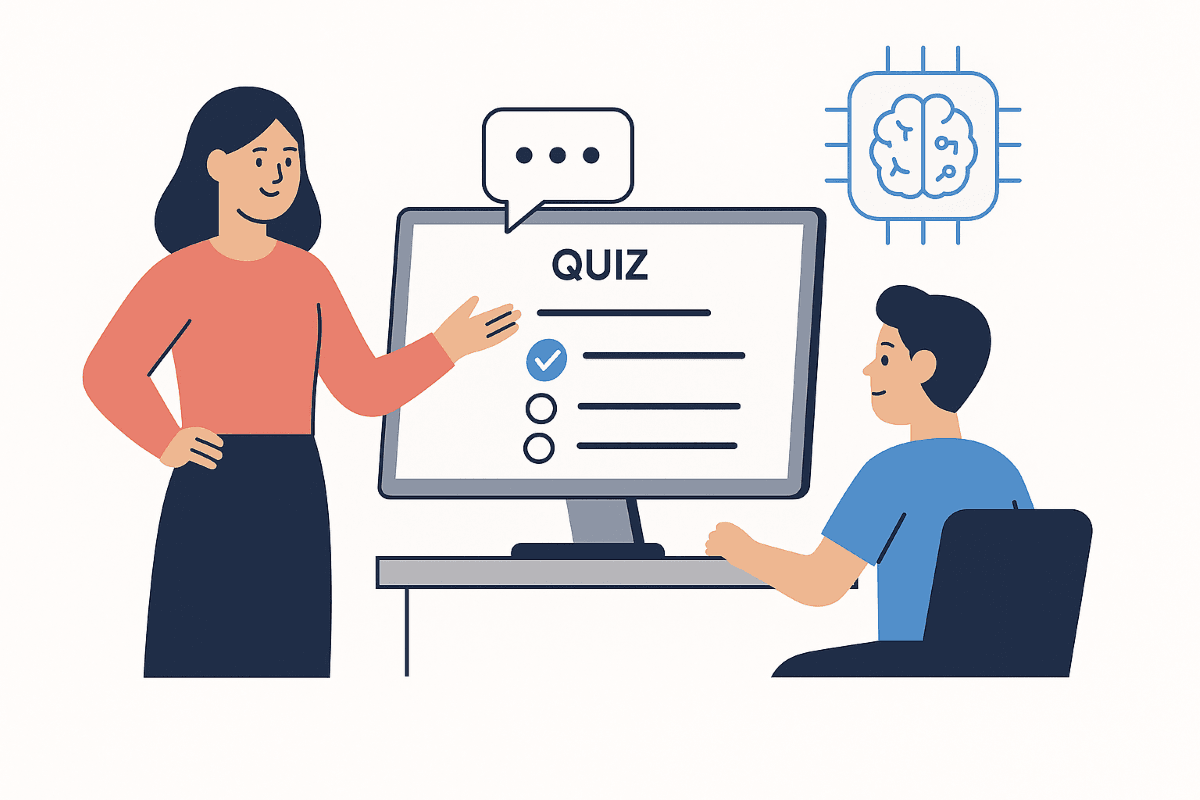
A common UX mistake in quiz builders is forcing users to paste a YouTube link before they can proceed.
In real classrooms, many users do not have a video link ready. They may have notes, textbook chapters, or just a topic name.
Keeping YouTube input optional improves completion rates and gives users a clearer path to value.
Why optional inputs convert better
Optional input design reduces friction at the first step and helps users complete tasks faster.
- Users can start instantly from topic text.
- Teachers can upload notes or PDFs without switching tools.
- Students can create revision quizzes even without source files.
- The UI supports multiple workflows instead of one rigid funnel.
Recommended generation flow
Use a progressive flow where source choice is flexible and review is mandatory.
Step 1
Select source type: topic prompt, notes, PDF, or YouTube link.
Step 2
Set grade level, subject context, and question count.
Step 3
Review and edit generated questions before publishing.
Microcopy that sets clear expectations
Instructional text should reduce ambiguity and increase trust.
- Use labels like: YouTube link (optional).
- Explain fallback: No link? Start with a topic or paste notes.
- Clarify outcome: You can review every question before assignment.
- Keep CTA specific: Generate draft quiz.
Small copy changes can improve user confidence and reduce drop-off.
Links and references
Use these pages for implementation and further reading.
- Internal: https://kuizzo.com/quiz-from-youtube
- Internal: https://kuizzo.com/quiz-from-notes
- Internal: https://kuizzo.com/quiz-from-pdf
- External source: Nielsen Norman Group on form usability - https://www.nngroup.com/topic/forms/
- External source: Google UX writing guidance - https://developers.google.com/tech-writing
Conclusion
Treat YouTube as one of many inputs, not the gate to start quiz creation.
Flexible entry points and clear microcopy make AI quiz products easier to use and easier to scale.
Apply this in your next study cycle
Use Kuizzo tools to turn this strategy into action with quizzes, topic-based revision, and measurable learning progress.
Topic cluster
Content Input and Generation Workflows
Operational workflows for generating quizzes from PDFs, notes, and videos with stronger quality controls.
Explore full topic hubSupporting reads